

THE HISN JOURNAL
Practical ways to put dhikr before distraction.
Honest, useful guides for building a deliberate morning or evening routine—without invented promises, pressure, or clutter.
LATEST GUIDE
Start with one repeatable transition.
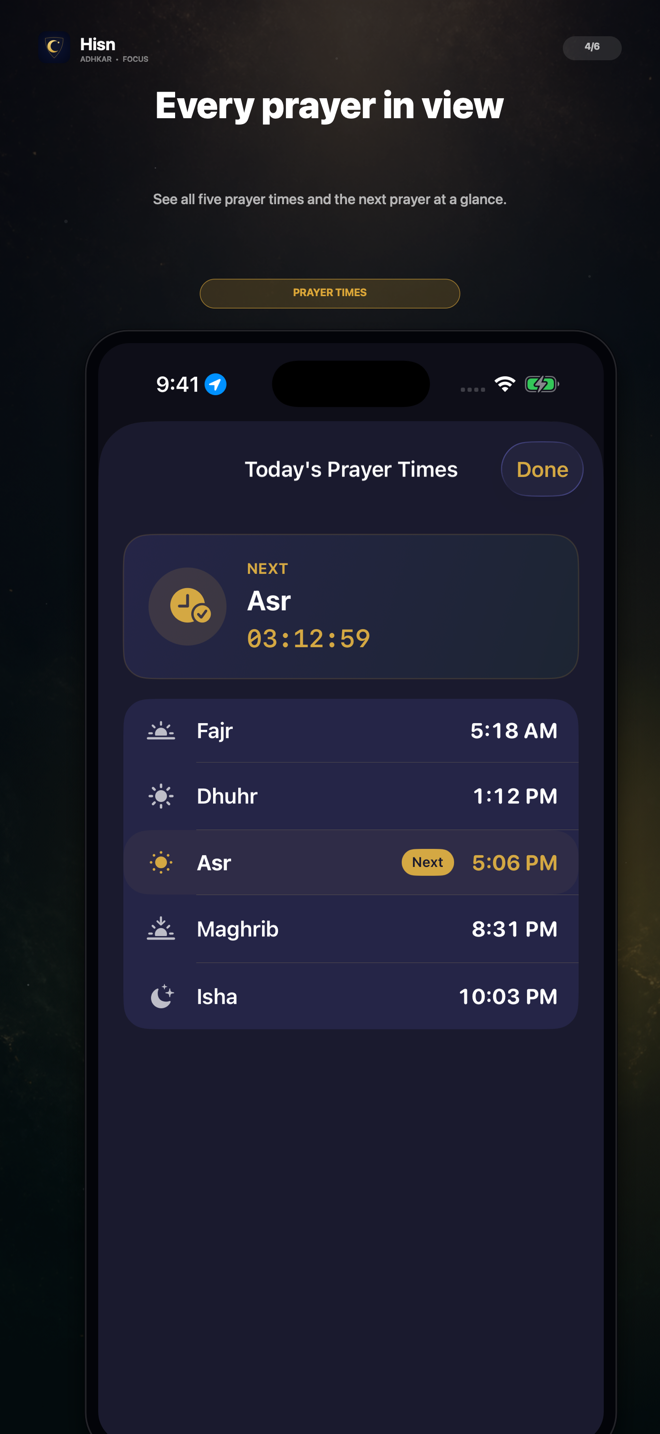
Are Prayer Times and Qibla Free in Hisn? No Subscription Needed
Yes. Hisn’s prayer times and Qibla are free to use. You do not need to start a subscription, enter a payment method, or unlock Focus Pro to check the five daily prayer times or open the Qibla tool.
Read the guide →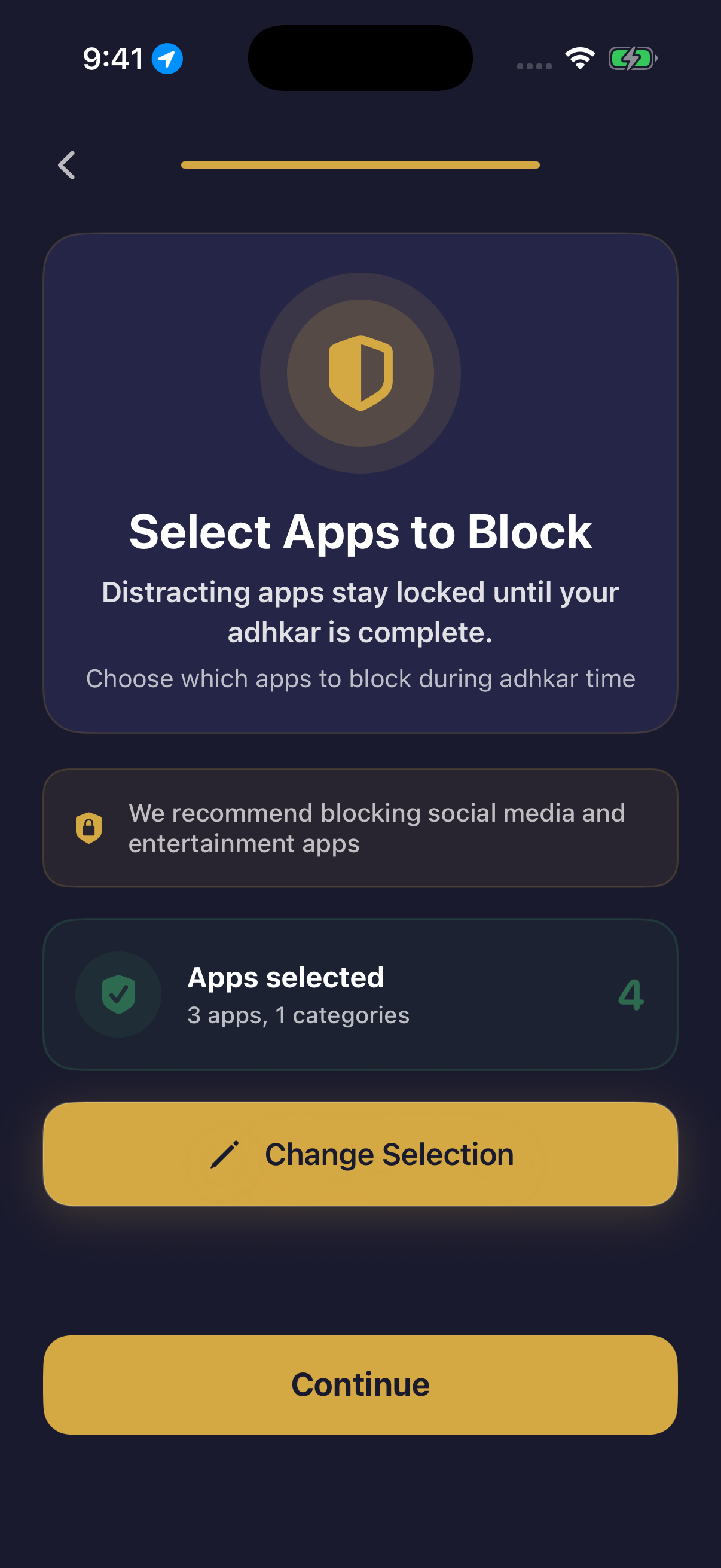
Muslim App Blocker for iPhone: Put Morning and Evening Adhkar Before Social Media
A useful Muslim app blocker should do more than display a timer or hide a feed. It should let you choose the optional apps that interrupt your morning or evening, show a real and understandable boundary on the iPhone, and give you a clear path back to the routine you intended to complete. This checklist helps you test that full sequence before deciding whether an app belongs on your phone.
Read the guide →How to Stop Scrolling at Night: Build an Evening Dhikr Routine on iPhone
Night scrolling often begins in a small transition: the day feels finished, the phone is already nearby, and one quick check turns into an open-ended feed. A useful evening boundary does not need to disable the whole iPhone. It can protect one deliberate routine while keeping essential access available.
Read the guide →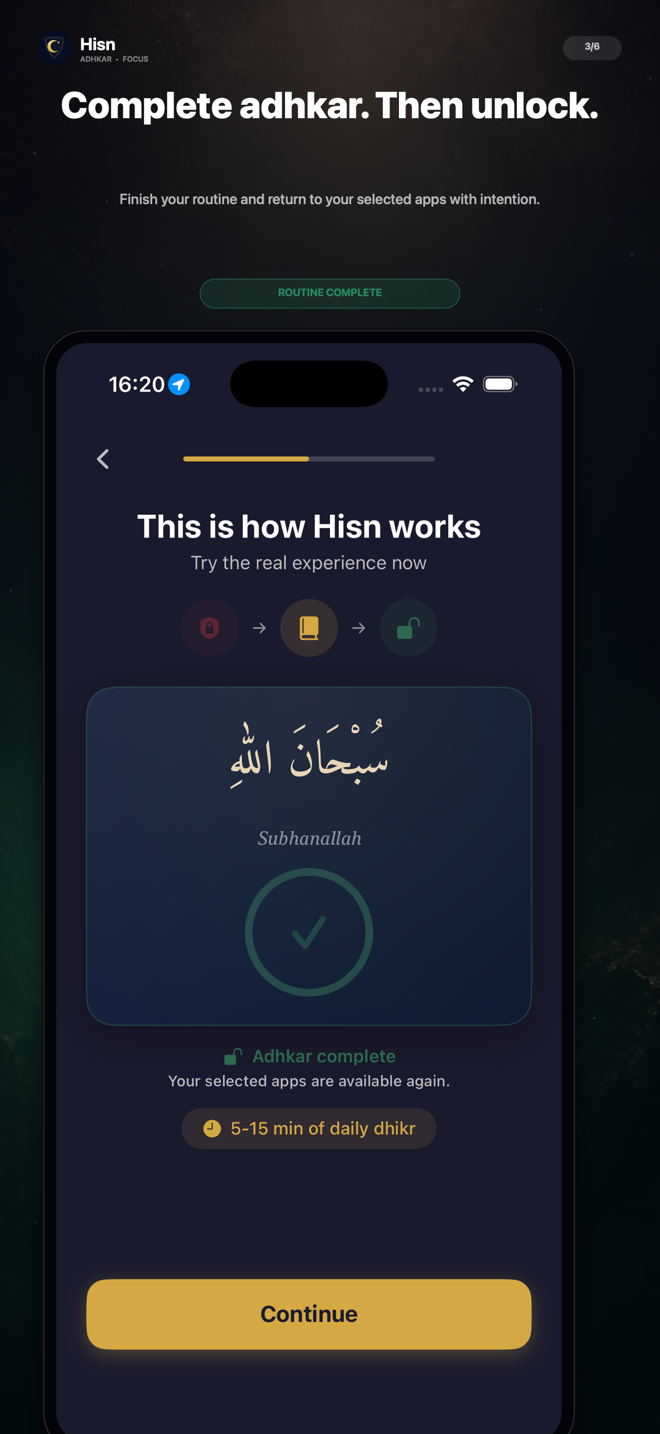
Why Dhikr Matters: Building a Morning and Evening Remembrance Routine
Dhikr—remembrance of Allah—belongs to worship, not to the logic of a productivity contest. A morning or evening routine can make remembrance easier to return to, but the point is not to collect a longer streak, race through a list, or claim a guaranteed result. The useful question is simpler: how can a Muslim make reliable space for remembrance before the demands of the day or the pull of the screen take over?
Read the guide →How to Block Social Media in the Morning on iPhone
A useful morning block is specific, testable, and easy to reverse. Choose the apps that tend to start an automatic scroll, verify the real iPhone boundary, and decide in advance what should happen before those apps become available again.
Read the guide →Daily Adhkar Tracker for iPhone: A Practical Download Checklist
A useful tracker should make the daily routine easier to follow without pretending that a number can measure religious worth. Start with the reading flow, completion state, privacy, and the next phone action.
Read the guide →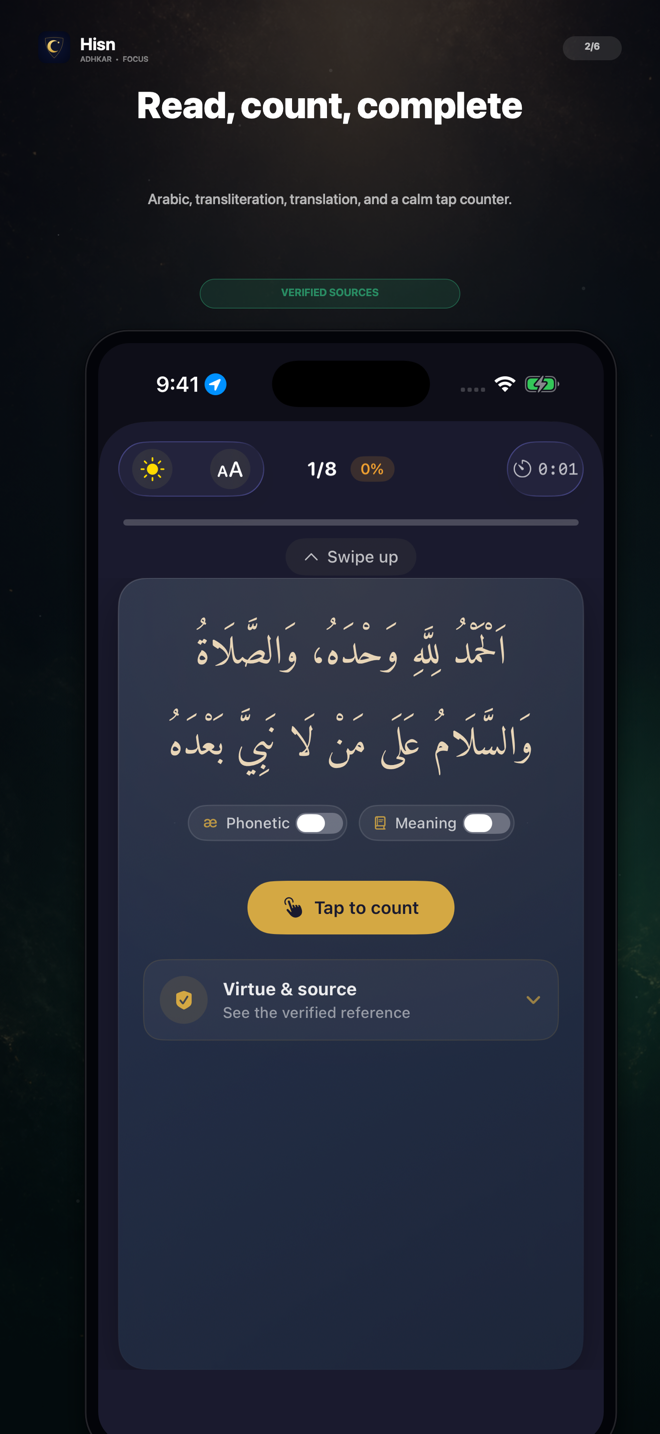
How to Choose an Adhkar App with Transliteration and Translation
The right reader is not the one with the longest feature list. It is the one you can read comfortably, understand clearly, and return to without turning a short routine into another distracting phone session.
Read the guide →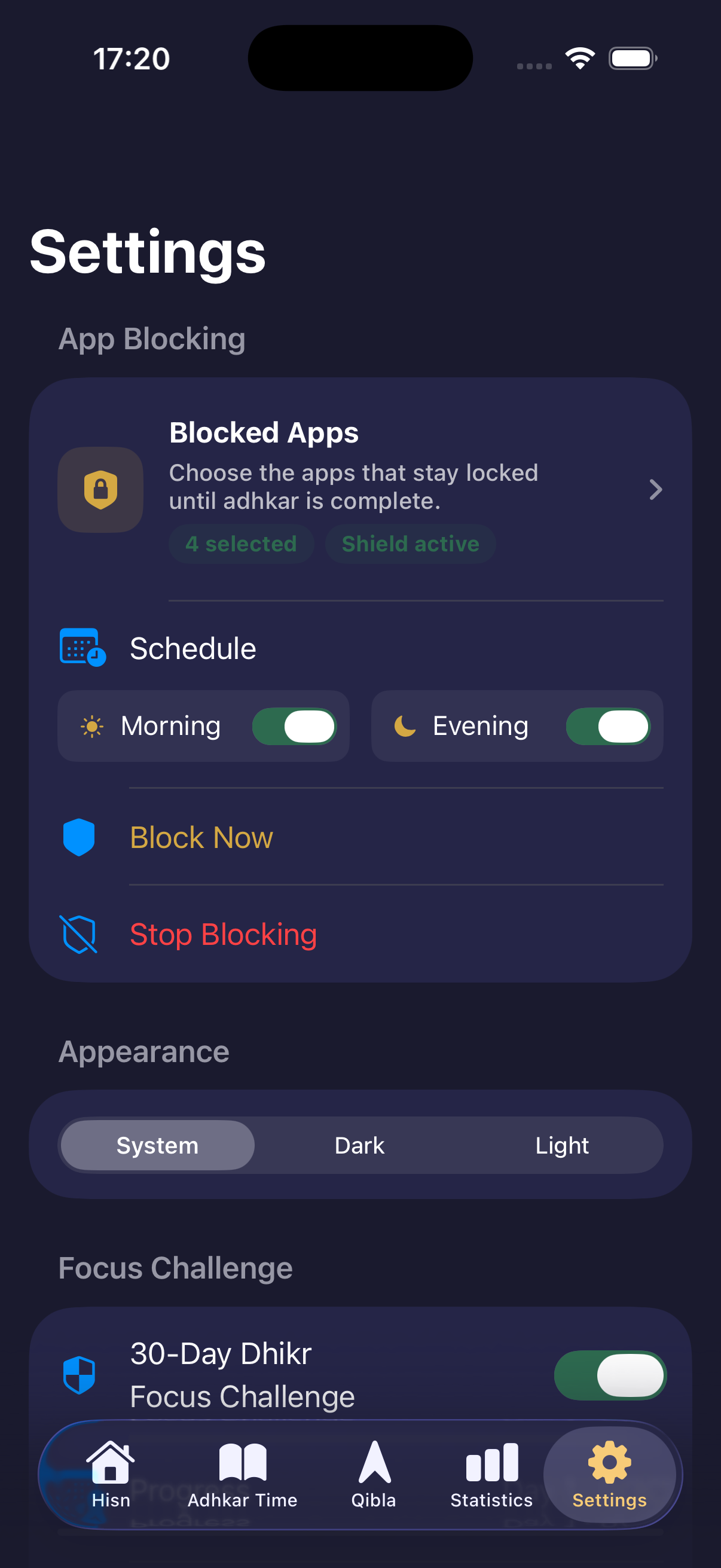
How to Block Apps at Certain Times on iPhone
A useful app-blocking schedule is not a wall around your whole phone. It is a clear boundary around the few apps that tend to take over a specific part of your day.
Read the guide →How to Choose Which Apps to Block on iPhone
The best first block list is usually short. It targets the apps that start an automatic loop while leaving essential phone tasks easy to reach.
Read the guide →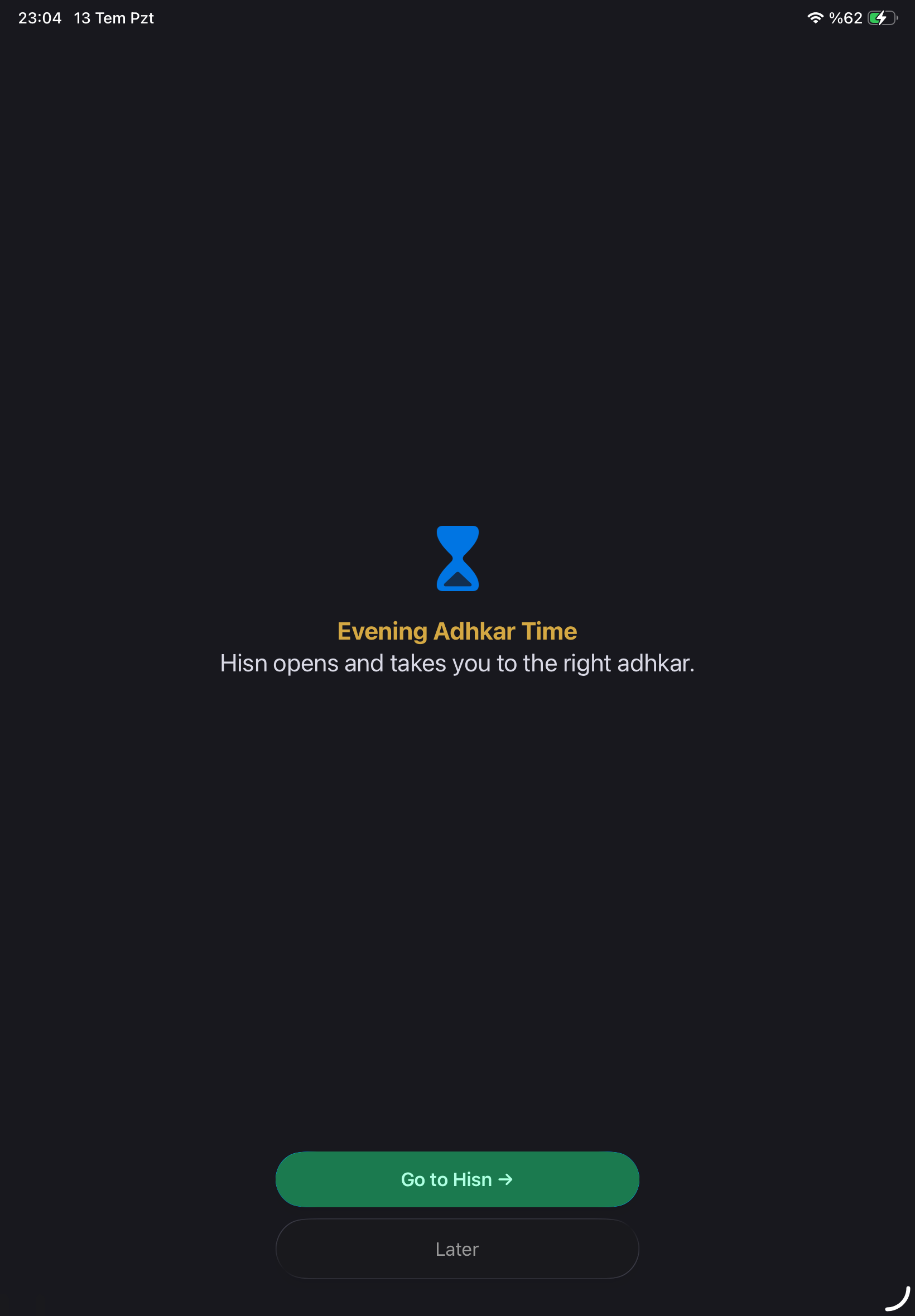
What Happens When Hisn Blocks a Selected App?
The screen is the proof. Open a selected app during an active routine and Apple’s Screen Time shield appears in front of it with a clear route back to Hisn.
Read the guide →Prayer Times and Qibla on iPhone: A Simple Daily Check
Answer two practical questions—what comes next, and which direction to face—then return to the rest of your day without turning the check into another feed.
Read the guide →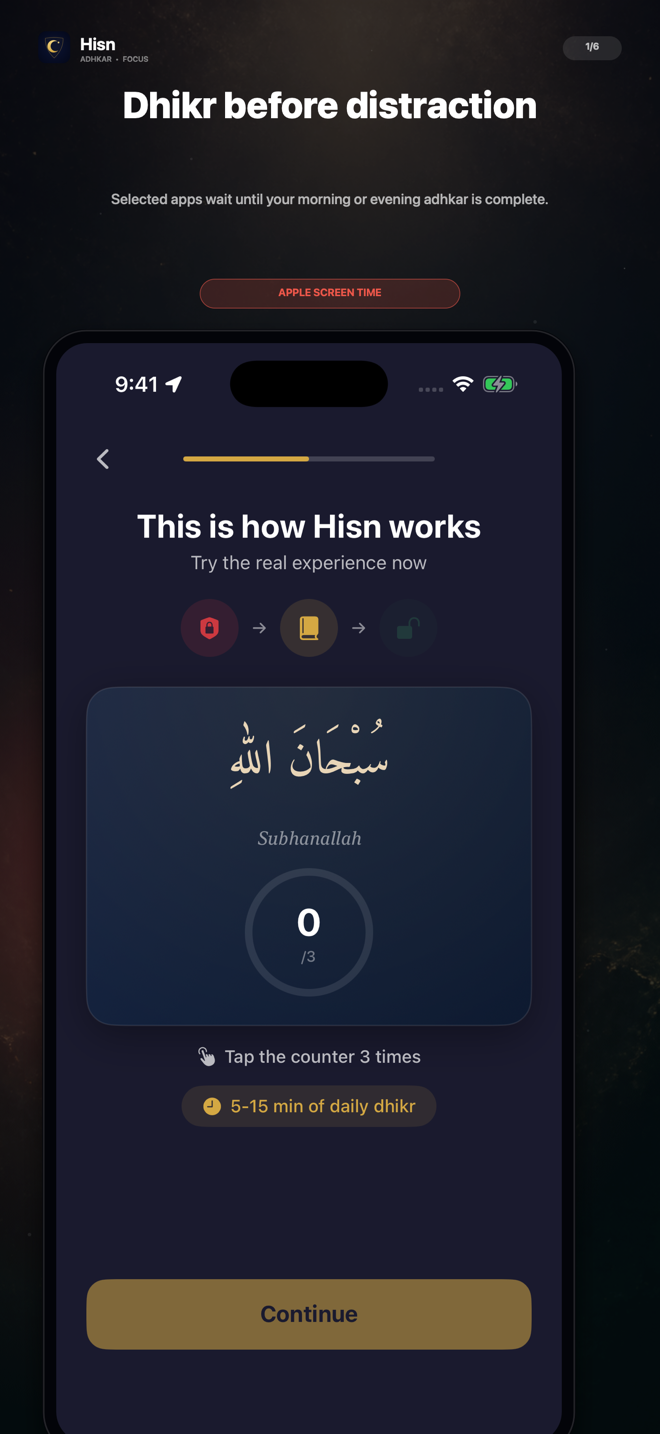
Morning Adhkar Before Checking Your Phone
Make the first phone transition of the day easier to recognize: let a few selected apps wait, complete your morning routine, then choose what deserves your attention.
Read the guide →How to Build a Dhikr-Before-Scroll Routine on iPhone
Replace one automatic phone transition with a deliberate sequence: choose what waits, complete your routine, then decide what comes next.
Read the guide →