

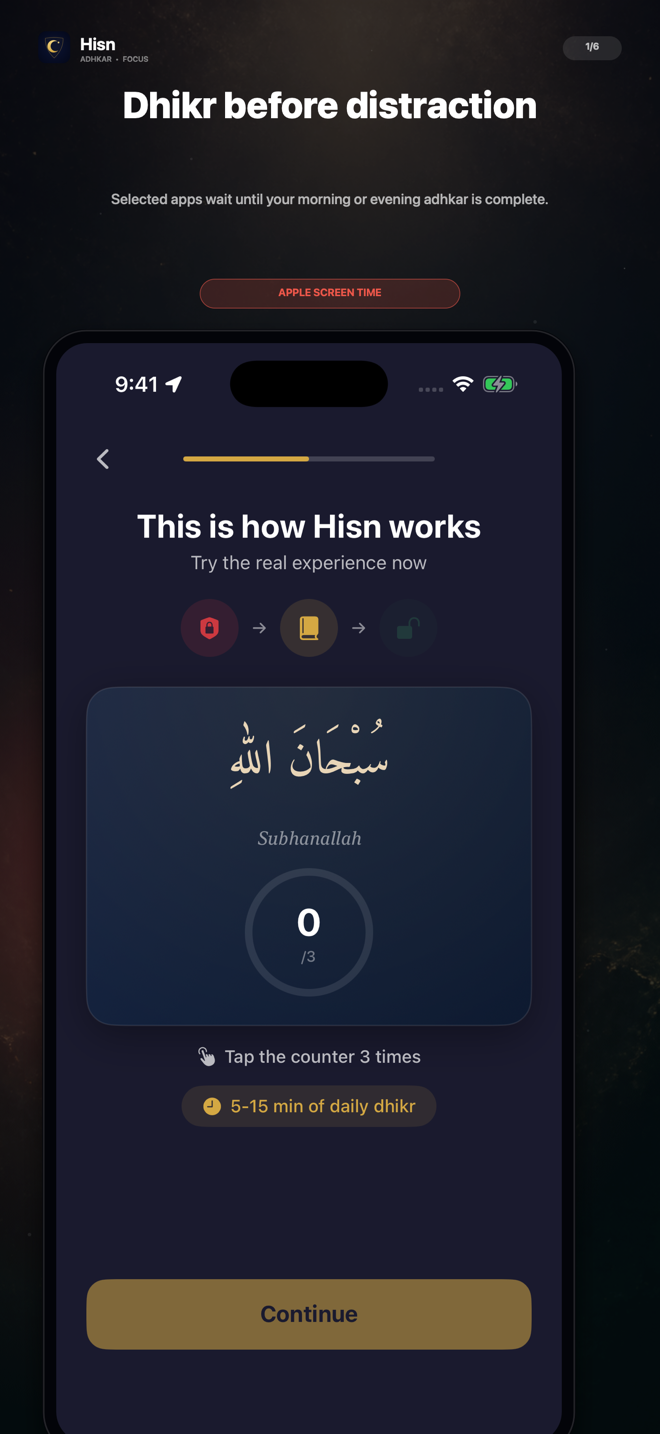
THE IDEA
A pause that points somewhere.
The difficult part of a distraction habit is often the automatic transition: reach for the phone, tap an app, and start scrolling before deciding whether that is how you want to spend the moment. Hisn changes that sequence by placing an adhkar routine in the middle.
It is not presented as a treatment, a guarantee, or an unbreakable lock. It is a user-chosen structure: selected apps wait, the routine stays in view, and the user returns after completion.
How the flow works
- 1Choose what waits
Pick the distracting apps or categories you want to pause during your morning or evening routine.
- 2Open the routine
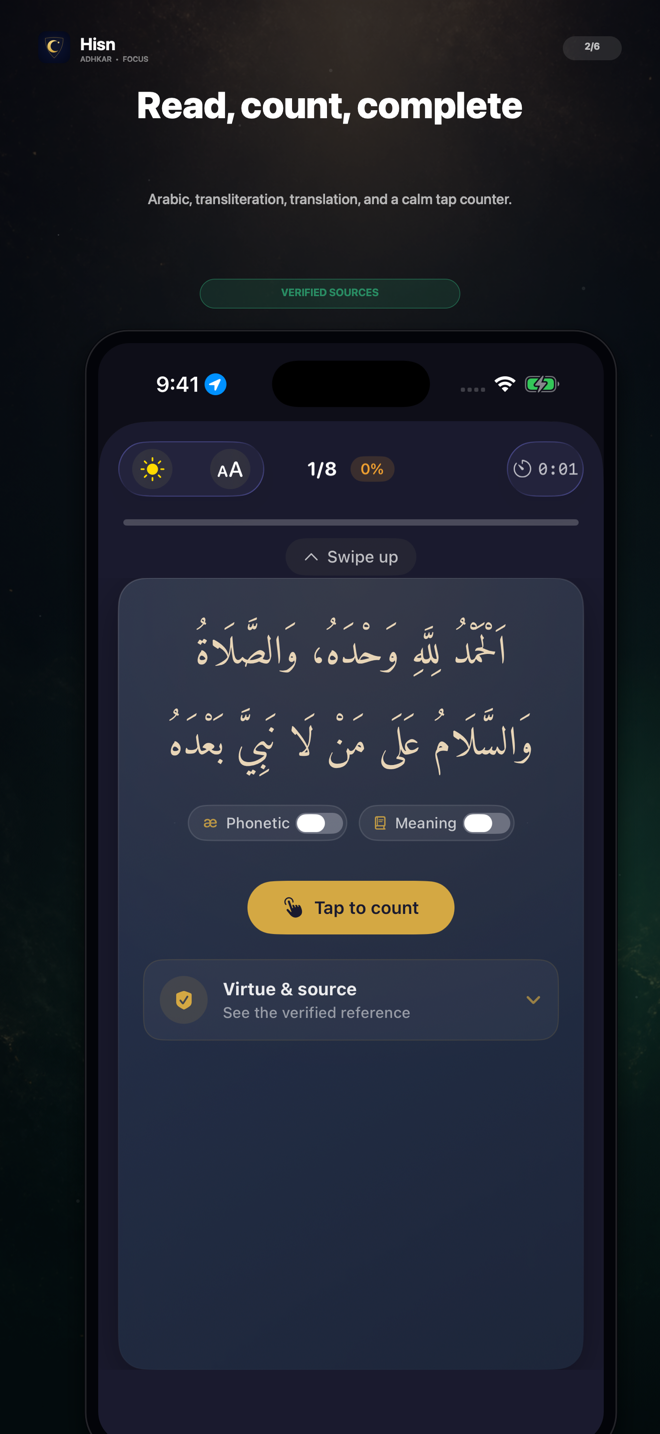
Hisn brings the relevant adhkar reader into view with Arabic, transliteration, translation, and a tap counter.
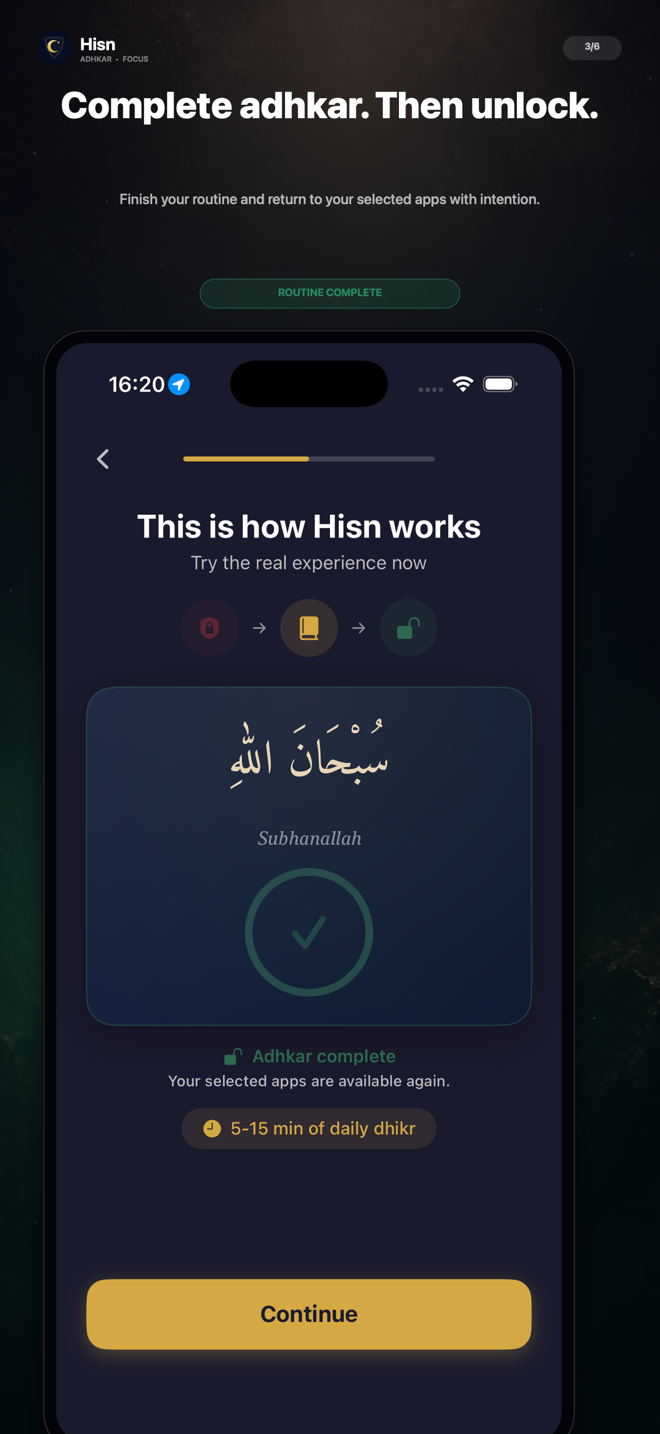
- 3Complete, then return
Finish the routine and return to the selected apps with a deliberate next step.
You choose the boundary.
- Which apps or categories are selected
- Whether the focus routine is enabled
- Morning and evening schedule settings
- When to return after the routine
Hisn does not claim that every app is impossible to open or that a focus routine will solve every distraction problem. The product’s role is specific: selected apps wait during a user-controlled adhkar routine.